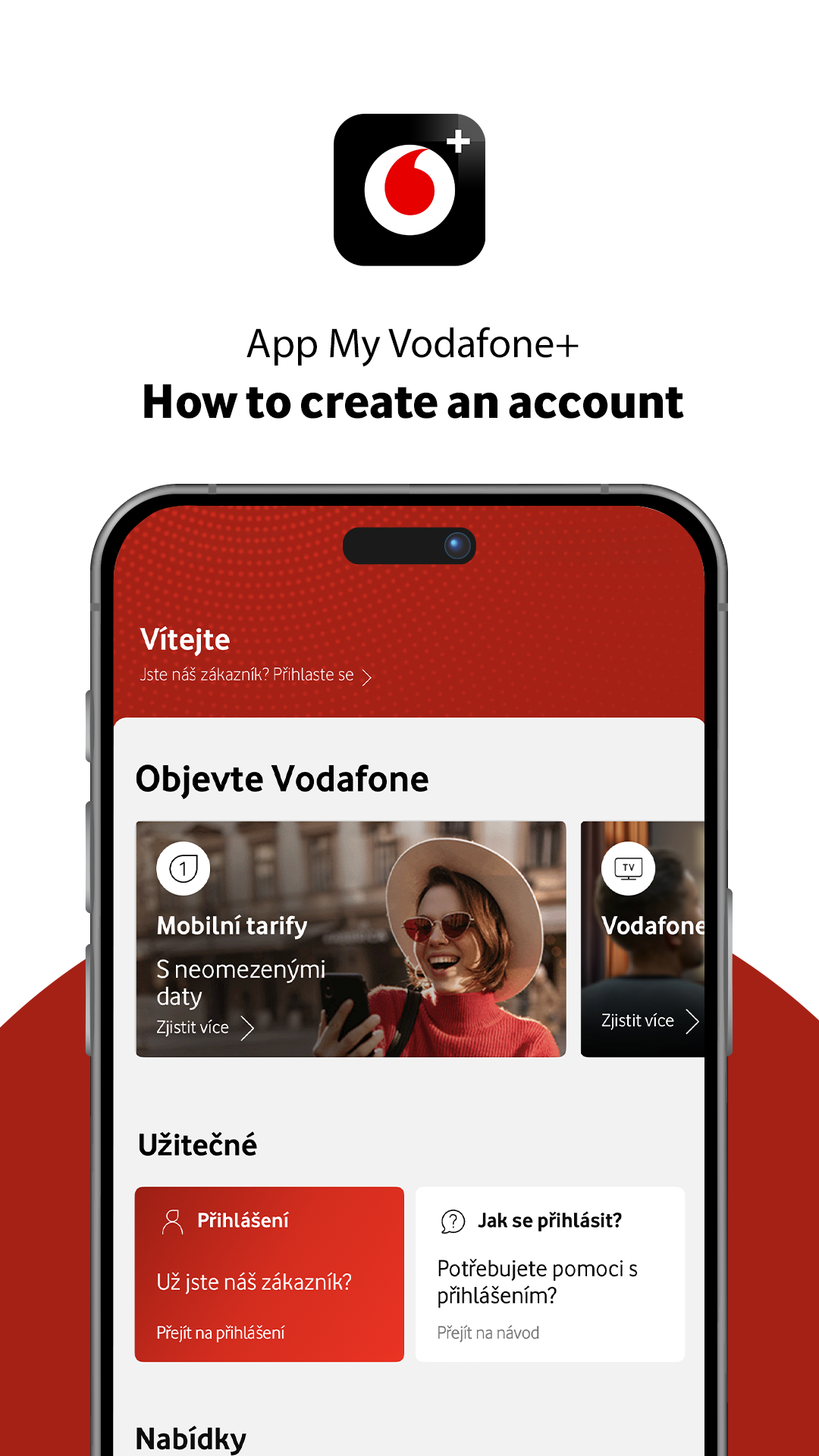
MY VODAFONE+ APP
Download My Vodafone+ and join more than 700,000 users.



Why use the My Vodafone+ app
Your services and rewards are always at hand – anytime, anywhere.
Maximum security
Two-factor authentication and biometrics for secure and seamless login.
Easy to use
Clear navigation and intuitive controls in just a few taps.
Loyalty rewards
The best personalised offers, loyalty discounts and competitions in Happy, and extra rewards on top.
How the app can help you
Quick overview and convenient service management from anywhere.
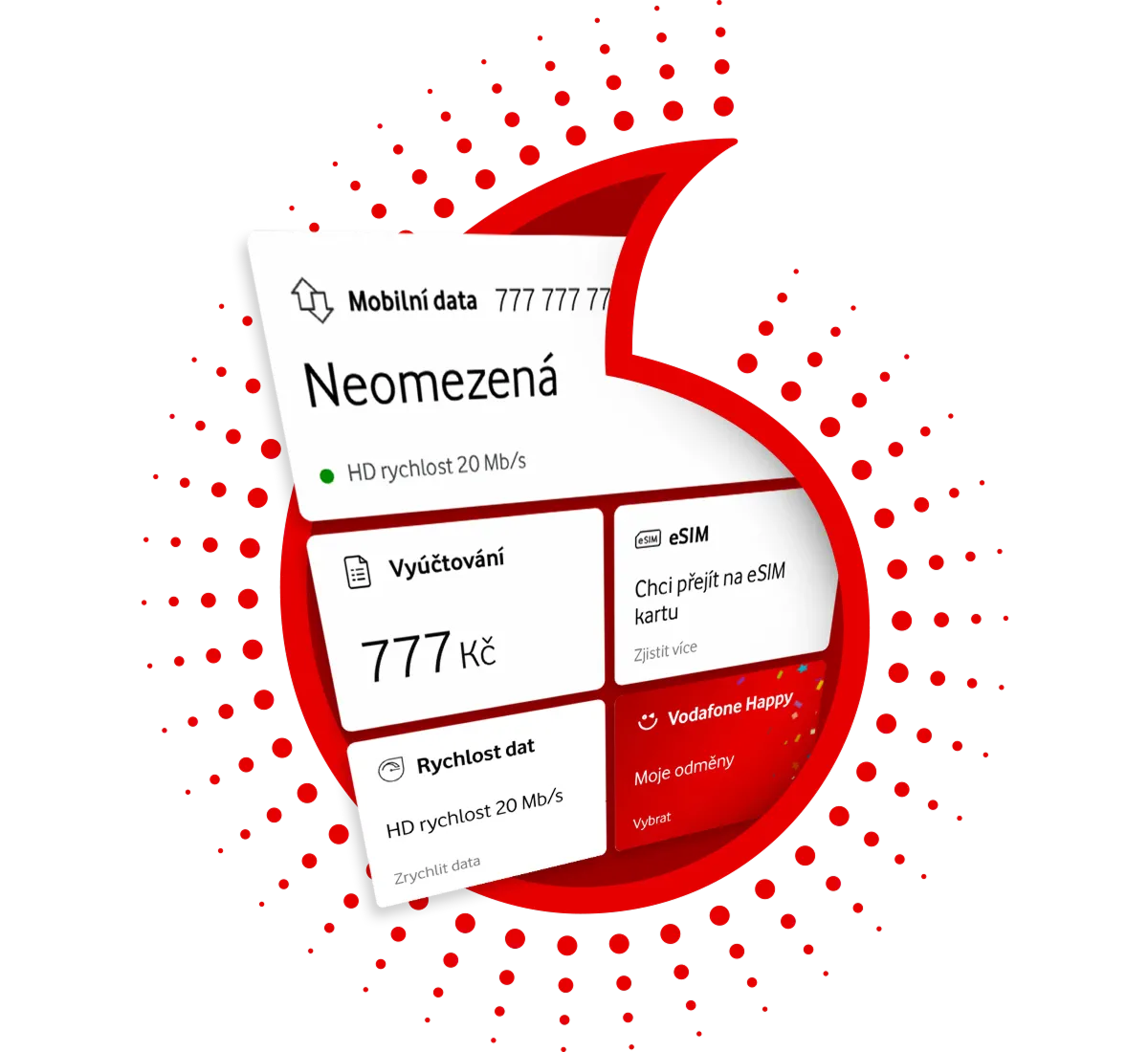
Service overview
You will find all your services in one place.
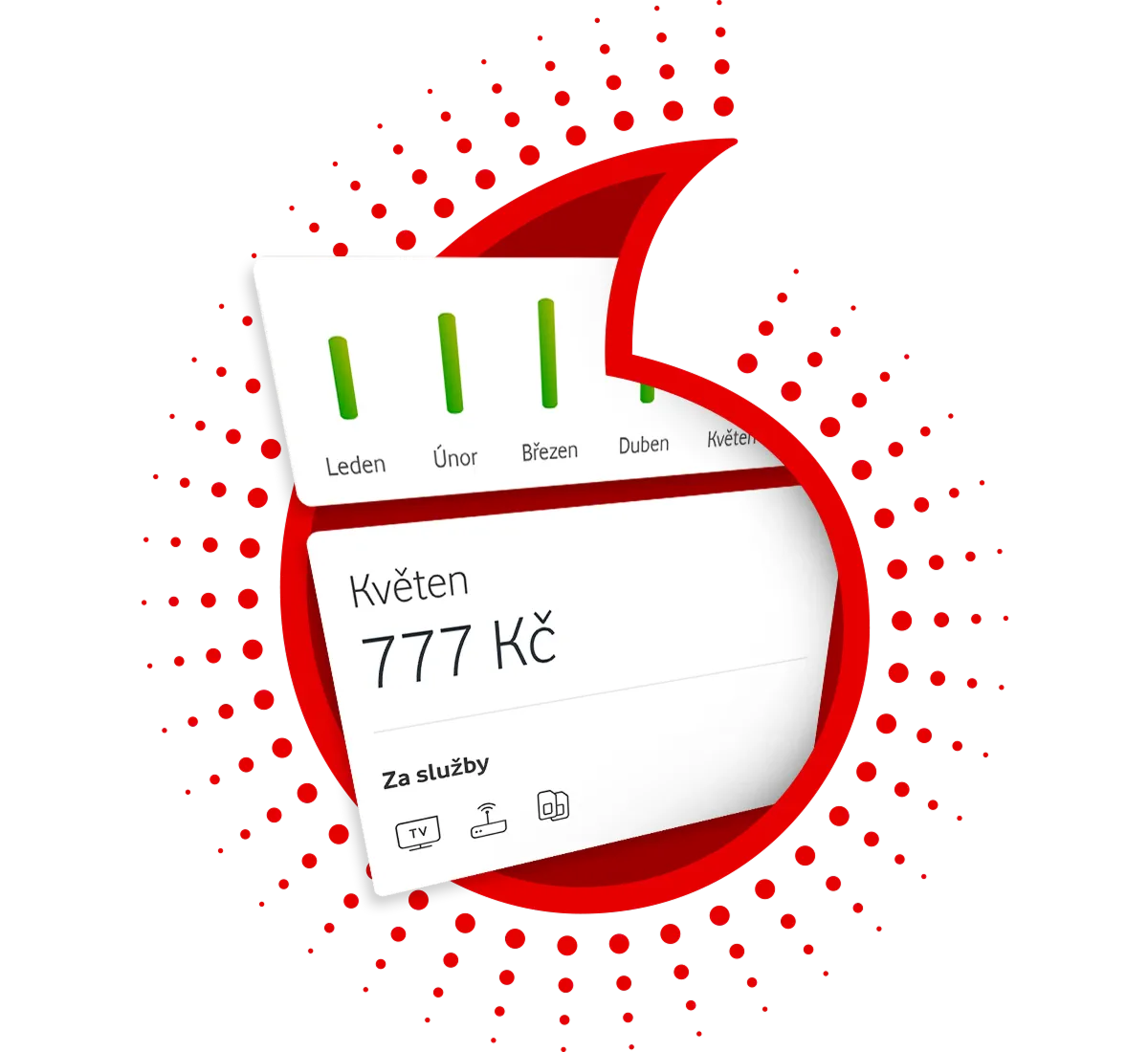
Spending under control
A clear overview of usage and billing at a glance.
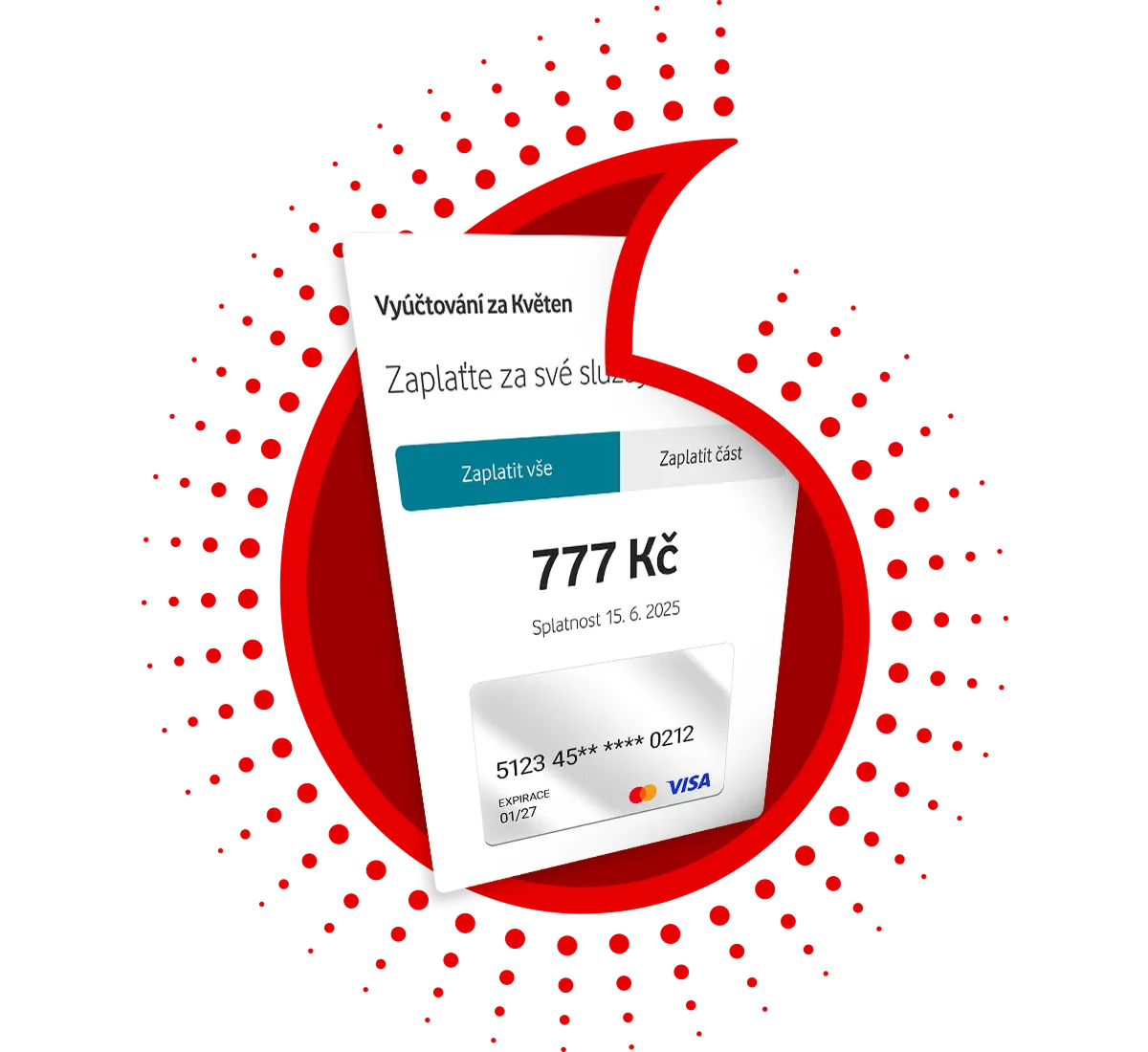
Fast and secure payments
Top up and pay your bill in just a few seconds.
Something extra in the app
Download the My Vodafone+ app
Enjoy the benefits of the Happy loyalty programme and additional rewards.
Data speed boost
Increase the speed of your unlimited data to the maximum up to five times a month in the app.
Free extra data
Enjoy a day of free data available with sLimitem plans.
Free extra credit
If you top up your credit regularly, we’ll add extra credit for free.
Other features

Card payments
Fast and secure Billing payment and credit top-ups via Google Pay and Apple Pay.
Requests overview
Tracking the status of submitted requests, including info about their resolution.

Service naming
Easier navigation across multiple services. Your nicknames also appear on your Billing.

Smart chatbot TOBi
Helps with service-related questions and managing your account. Available 24/7.

QR code payments
Convenient payments without re-entering details. Use the QR code to pay your Billing.
Online credit top-up
Simply top up directly in the app. No problems and no waiting.
Managing your eSIM
Activate eSIM using a QR code or have it sent directly to your device.
Vodafone One
Call, use data and watch TV without waiting. With Vodafone One, you shop and go online.

Roaming settings
Make sure you stay connected even when you're abroad. You can easily set everything up in the app.

Touch ID & Face ID
Instead of a PIN, use fingerprint or facial authentication and you're logged in.
Network speed
Find out what network speed you have in your chosen location throughout the Czech Republic.
How to log in?
Logging in to the app is secure and easy.
Enter your email and password
Simply enter your email and password to log in.
Wait for confirmation SMS
You will receive an SMS with a verification code. Click on it and the code will be automatically filled in.
You are logged in
That's it! Now just set up biometric authentication to make logging in as easy as possible next time.
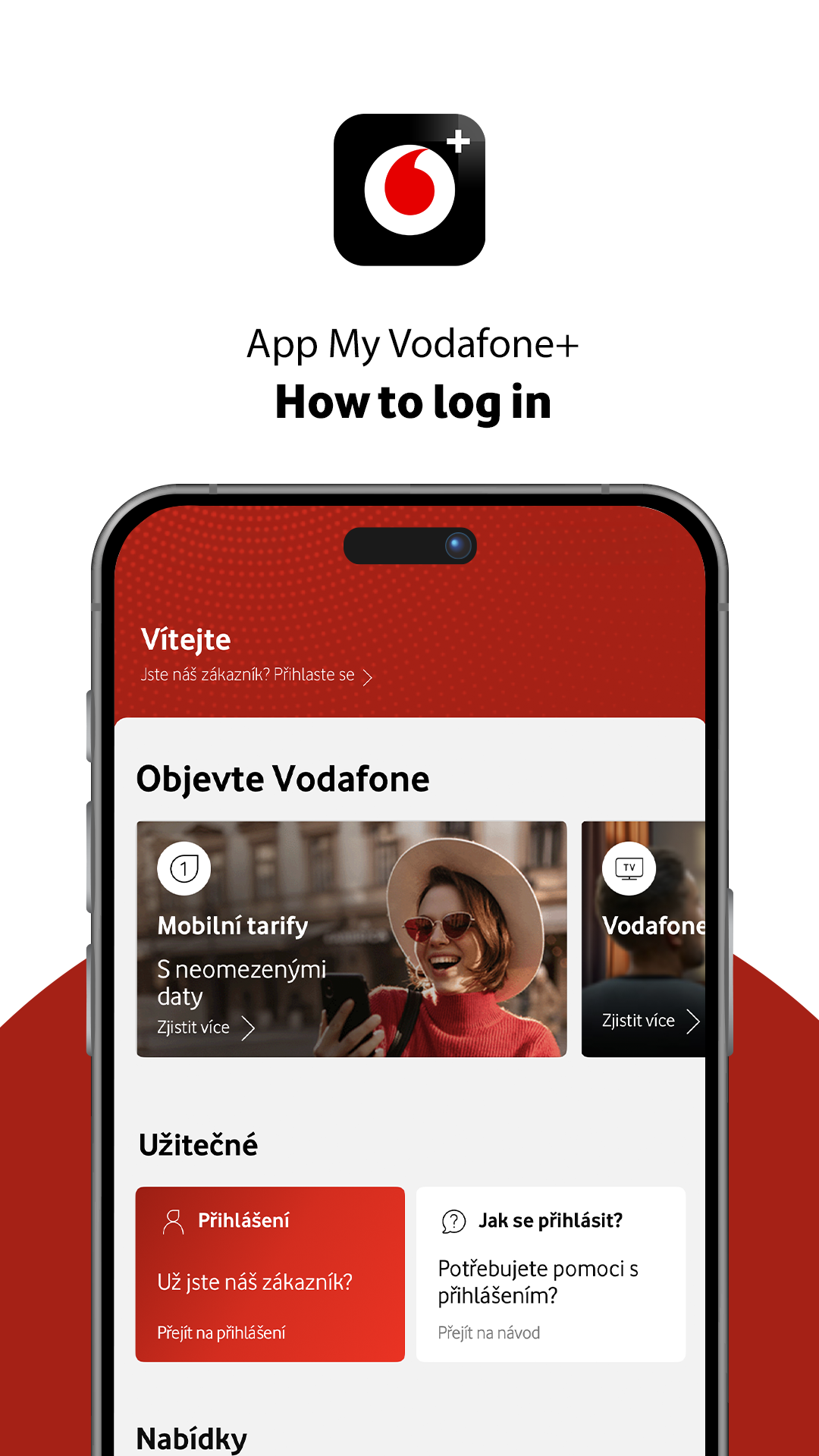
Choose Create new account
Simply enter your email and password to log in.
Two-step verification
Then verify the selected email address with a code. Next, enter the phone number to which an SMS with another code will be sent. Click on it and verify the number.
You have a new account
That's it! Now just set up biometric authentication to make logging in as easy as possible next time.